The synth you love is an iPad app.
Your songs live in Ableton on the Mac. Getting one into the other means recording audio, sending files and losing the take.
 Patchcord
Coming to the App Store
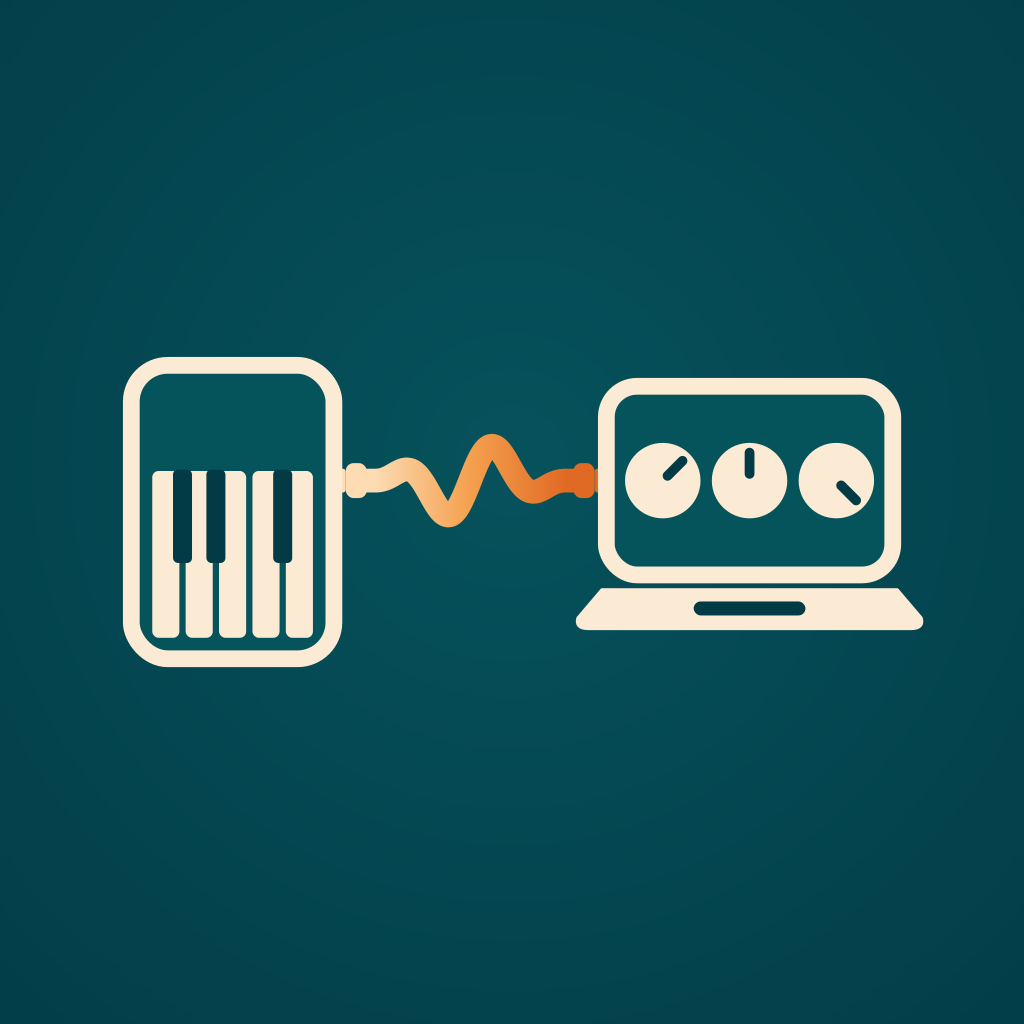
Patchcord plays a plugin on one of your devices from another. Your notes go over, the sound comes back into your track, in time. Mac, iPad and iPhone, over Wi-Fi or a USB-C cable.
 Coming to the App Store
Your songs live in Ableton on the Mac. Getting one into the other means recording audio, sending files and losing the take.
You'd rather play them from the couch, with an iPad on your knee or a phone in your hand.
Every device you own has sounds the others can't reach. Patchcord joins them with a cord you never have to plug in.
iPad synth → Ableton on the Mac
Put Patchcord Remote on a track in Ableton and pick Animoog on the iPad. Play it from the track: its sound comes back into Live, in time, ready to record.
Mac plugin ← iPad on the couch
Omnisphere stays on the Mac. Play it from the iPad, see its own window there, and let its sound come out of the Mac's speakers.
iPhone → any synth
Set where its sound plays to Neither: settings only, and the iPhone becomes knobs, an XY pad and snapshots for a synth on your Mac or iPad, while you play it from its own keyboard.
Mac keys → iPad window
Play on the Mac and keep the plugin's window on the iPad beside you, where you can touch it: no window shuffling over your song.
Any device → a recording
Play an iPad synth from your phone and press Record It Here: a 24-bit recording lands on the device you're holding.
One Mac → a live rig
Share four plugins from the Mac, switch between them on the iPad in Perform, and jump between sounds with snapshots.
Mac track → iPad delay → back
Put Patchcord FX on a track in your DAW and pick an effect shared from the iPad. The track's sound goes through it and comes back, lined up with the rest of your song.
Synth + effects → one sound
Put a reverb, a delay or a filter after the shared synth, on the device that has them. Your other device plays the whole chain and turns every knob in it.
Your project → the iPad's sound
Your DAW project keeps how the synth on the other device was set. Open it next month and Patchcord puts that sound back on the iPad.
On the device that has it, pick it from your instruments. Up to four at once.
It's already in the list. Nobody has to tap anything on the first device.
Keys, a MIDI keyboard or your DAW's notes. Choose where its sound plays: here, there, or neither.
Patchcord Remote
Put Patchcord Remote on a track like any instrument. Your DAW's notes play the synth on your iPad, its sound comes back into the track, and its settings show up as parameters you can automate, map to a controller or move with an LFO.
For effects there's Patchcord FX: put it on any track, and the track's sound goes through an effect on your other device and comes back.
AUv3 on Mac and iPad, VST3 on the Mac. Tried in Ableton Live.
Its Screen
Open a Mac plugin's real window on your iPad and turn its knobs with your finger. From an iPad, the Mac sees the plugin's screen live, to watch while you play.
Eight knobs, each with Motion: an LFO in time with your song, random steps, following its sound, or swelling on every note.
Turn two settings at once with one finger.
Big knobs and keys, nothing else, for playing live.
Save how it sounds to a pad, tap to bring it all back, or slide between two.
Step through the plugin's own presets from the other device.
All of them, in the plugin's own words, searchable, in groups.
Play with a keyboard on either device. Turn a hardware knob to link it.
A 24-bit recording of what you played, on the device you're holding.
Share up to four plugins from one device, each with up to four effects after it.
Over your network, or plug in a USB-C cable: Patchcord uses it on its own, and the sound arrives in about 18 ms, against about 100 over Wi-Fi.
Your devices talk to each other directly. No account, no cloud.
Any of them shares, any of them plays. A guide shows you the first time.
Coming to the App Store