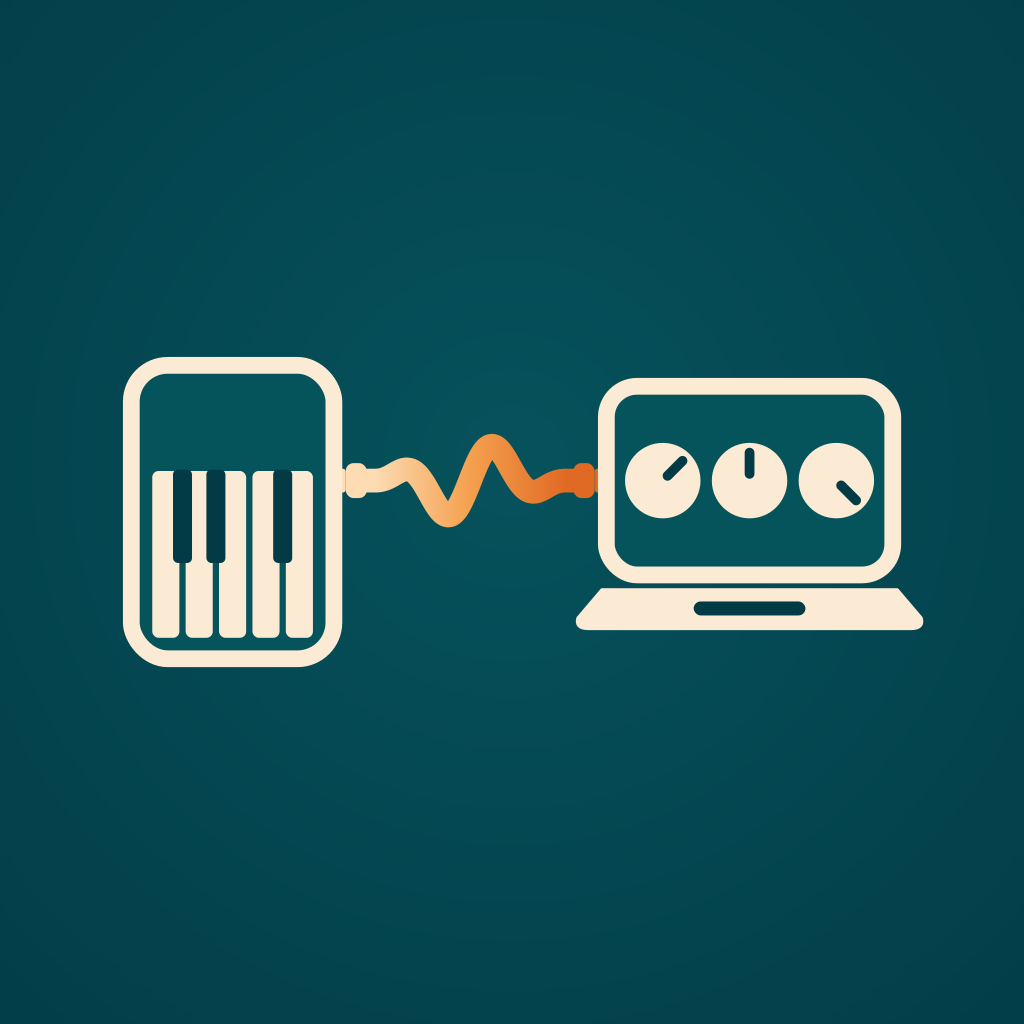
Support
Patchcord is made by one person. If something doesn't work, or doesn't make sense, I want to hear about it.
Email and say which devices you're using and which plugin.
Getting started
Open Patchcord on both devices. Tap How It Works on either one and it walks you through the first time: which device has the plugin, choosing it, picking it on the other device, and playing.
My devices don't find each other
- Both need Patchcord open, on the same Wi-Fi network, or joined by a USB-C cable.
- Each device asks once to use the local network. If you said no, turn it on in Settings, Privacy & Security, Local Network, Patchcord.
- Some guest and office networks keep devices from seeing each other. A USB-C cable between the two works anywhere.
It's linked, but there's no sound
- Check Where its sound plays: Here brings it to the device you're holding, There leaves it on the device that has the plugin.
- Some iPad plugins need their own app opened once before they make sound anywhere. Open it, then try again.
Is it in time with my song?
Inside a DAW, yes: Patchcord Remote tells your DAW how far behind the sound is, and the DAW lines it up, so recorded and bounced tracks land on the grid. Played live, you hear each note a little after you play it, about as much as the line says under Details. A USB-C cable makes that the shortest.
A plugin won't open on the Mac
Patchcord from the App Store lives in Apple's sandbox, and some plugins keep their license or sounds where it isn't allowed to look. When Patchcord says a plugin needs Patchcord Helper, get the free helper from the Patchcord Helper page, put it in Applications and press Try Again. Patchcord starts it whenever it's needed.
Using it in a DAW
Put Patchcord Remote on an instrument track. On the Mac it's an Audio Unit and a VST3 (Ableton Live sees the VST3 when Audio Units are turned off); on the iPad it's an Audio Unit (AUv3). Choose the plugin from your other device in its window, and play from the track.
Its Screen
- A Mac plugin on the iPad: the Mac asks once to let Patchcord record the screen. Allow it, then reopen Patchcord on the Mac: macOS only lets an app record after it starts again. Choose Quit & Reopen if macOS offers it, or press Reopen Patchcord in Patchcord. A plugin opened by Patchcord Helper needs Patchcord Helper turned on too, in the same list (System Settings, Privacy & Security, Screen & System Audio Recording). Only that plugin's window is sent, and you can touch it from the iPad.
- An iPad plugin on the Mac: the iPad asks each time; tap Allow on the iPad. From an iPad you can look but not touch (iPadOS doesn't allow it), so turn its knobs with Knobs or All Settings.